
Lead attention toward a product
Plan a reveal, a close view, or a change of light that directs attention to the item. Name the features the viewer should still be able to recognize at the end.
Show a product, pitch a motion idea, or give a social story its next scene. Use the AI video generator on Nano Banana 3 Pro to turn a written brief or supported image input into a clip you can watch and refine.
Give each clip a purpose
Decide what the shot needs to communicate before choosing movement. Product detail, a campaign mood, and a story beat each need a different approach.
Plan a reveal, a close view, or a change of light that directs attention to the item. Name the features the viewer should still be able to recognize at the end.
Describe how a still composition could unfold over time. Use the generated clip to discuss pacing, framing, and visual emphasis before developing the wider campaign.
Give the subject a clear action tied to your post or story. Keep the setting and movement easy to follow, with a finishing frame that suits your planned edit.
Try a different camera instruction or subject action in another task. Compare the clips against the same brief to decide which movement serves the message.
Plan the shot from a visual reference
Use these still images to plan a shot with an AI video generator. Choose a setting, identify the focal point, and write the motion you want to explore.
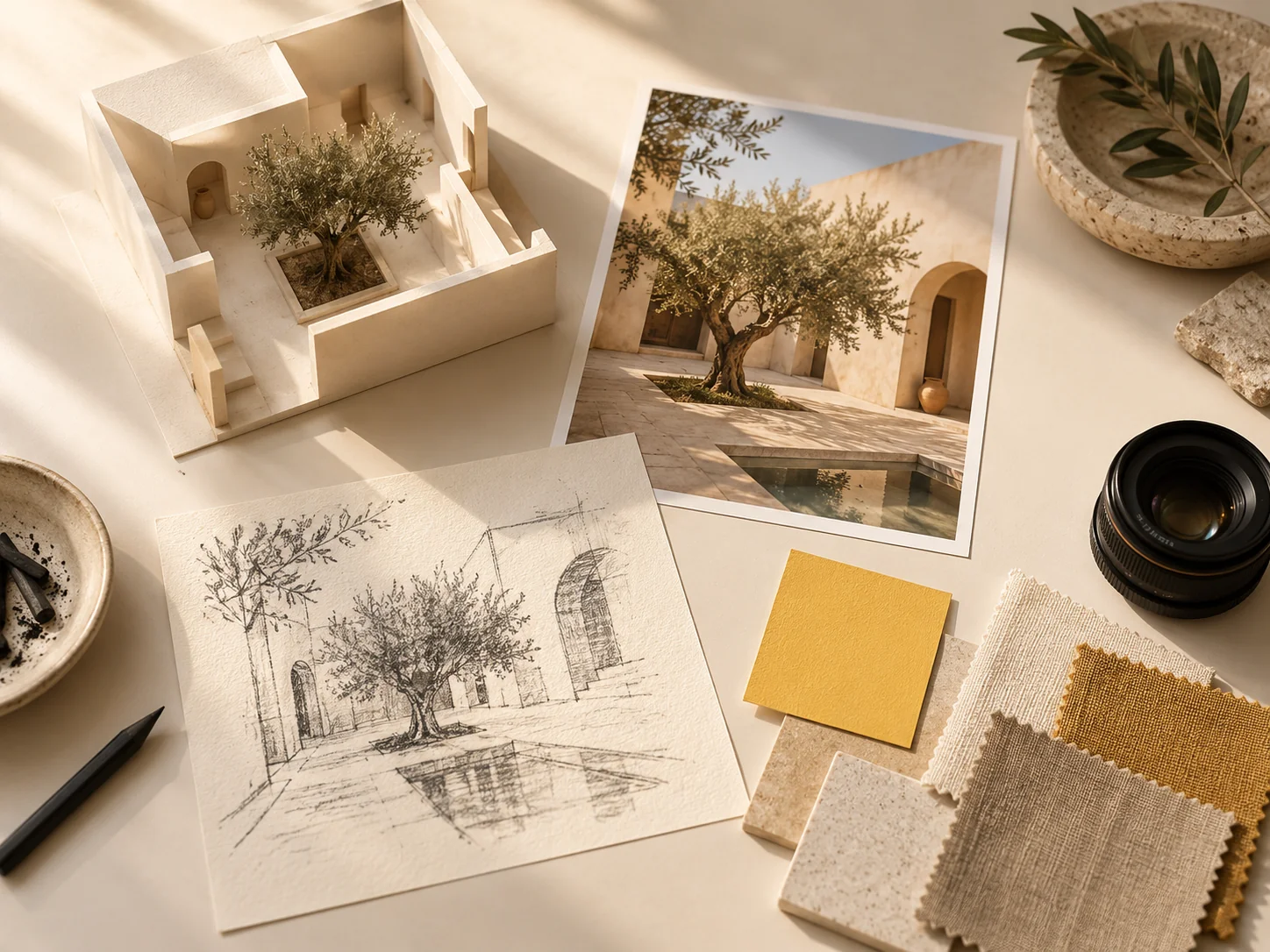
Use the courtyard model and its companion photograph as a starting point for a presentation shot. Describe a camera move around the model or through the courtyard, and name the architectural details that should remain clear.
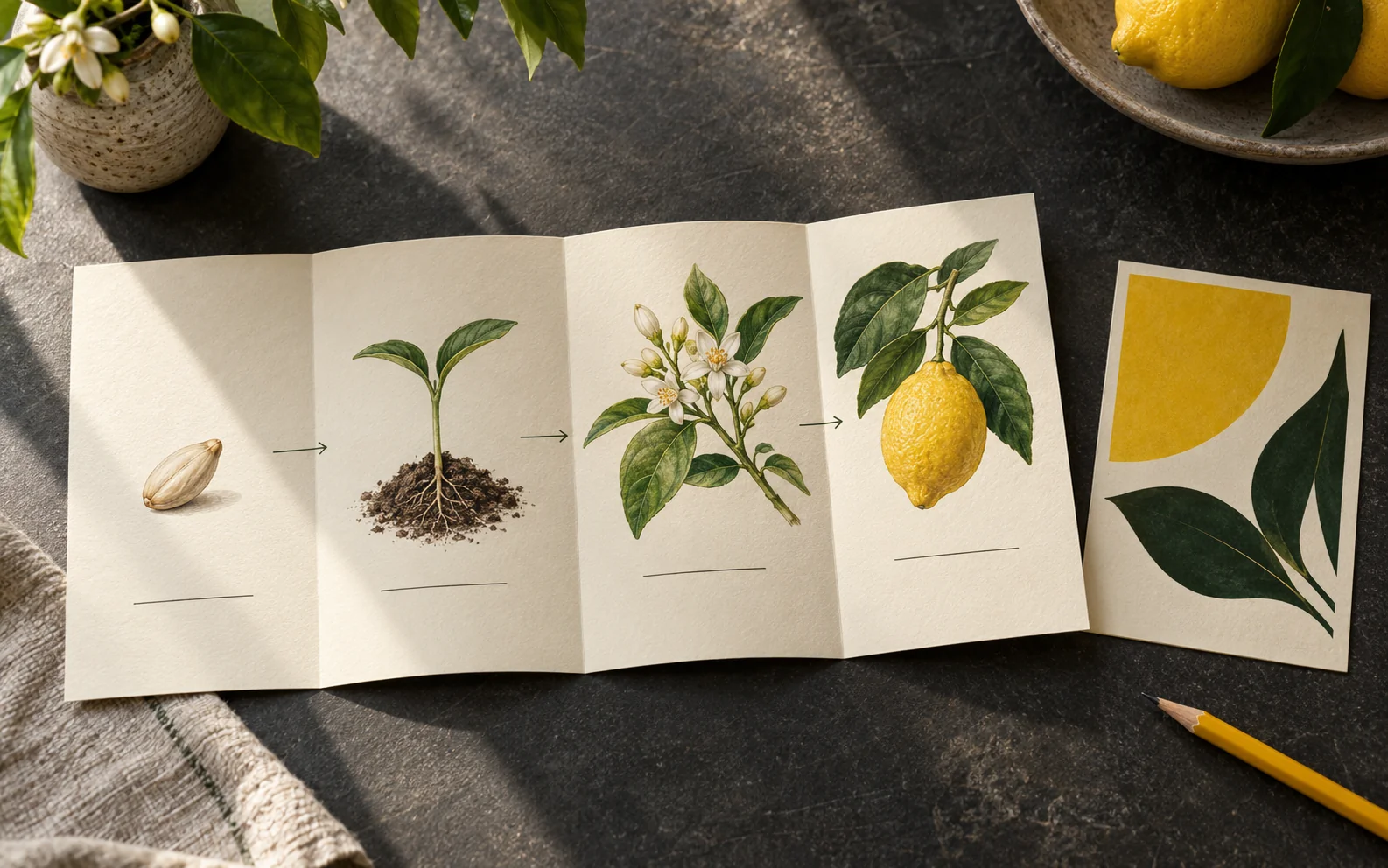
The paper diagram offers a visual brief for a camera move across the lemon growth stages. Choose the detail to pause on and leave the wording for your editing workflow.
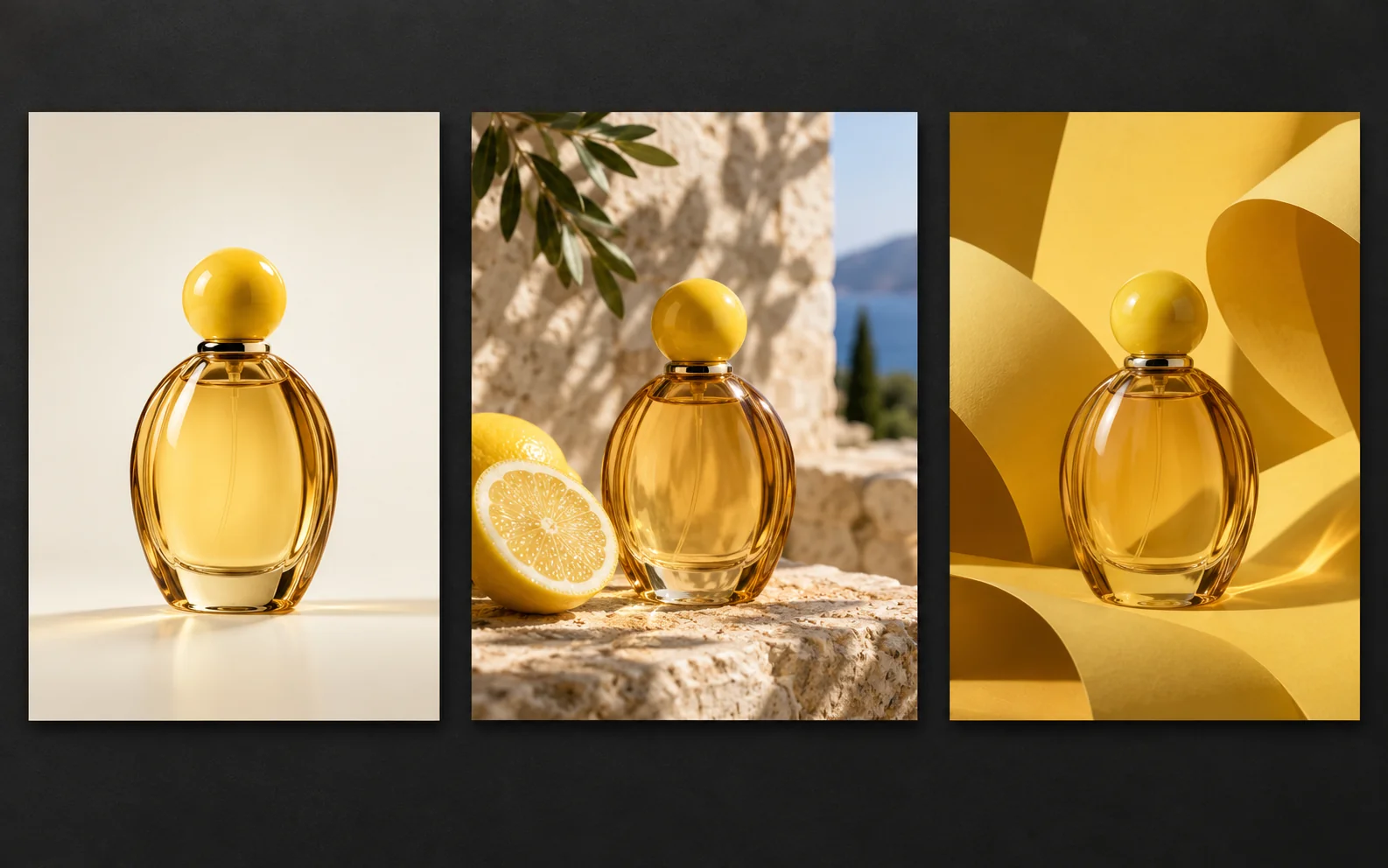
Choose the cream studio, outdoor lemon setting, or yellow backdrop for the amber bottle. Plan a gentle approach or a change of light, then check that its shape and round cap stay recognizable throughout.
From shot brief to review
Prepare a focused brief for the AI video generator so you can judge the finished clip against a specific purpose.
01
State whether you need a product introduction, a campaign concept, or a scene for a post. Describe what the viewer should notice and where the shot should finish.
02
Write the scene in text or add an image in a supported input mode. Describe subject movement and camera movement separately, including the details that should stay visible.
03
Choose a video model and check the input requirements, duration, aspect ratio, and other options it offers. Confirm the displayed credit cost, then sign in to submit.
04
Play the whole clip, including its ending. Check the subject and motion, then reuse the inputs and revise the instruction that needs attention.
Questions for your video brief
Prepare the right input and decide how the result will fit a product page, presentation, or content edit.
If the starting composition matters, choose a mode that accepts an image and prepare the product picture you want to use. A text prompt is useful when you want to explore both the scene and its movement. Input requirements depend on the selected model.
Check the aspect ratios offered by the video model. Keep the subject within the area your final layout needs and describe any space for later captions. Review the framing again when placing the result into your edit.
For a brief with several messages, plan the shots separately so each has a clear job. Review the generated clips individually and assemble the selected material in your editing workflow.
You can plan captions for the editing stage to control wording and placement. Audio options vary by video model; inspect the settings before submitting and listen to any audio in the result before using it.
Find the point where the clip stops matching the brief. Simplify competing actions or revise the camera direction in the next task. Check labels and product features across the full result, and review the new credit estimate before generating again.
Video projects on Nano Banana 3 Pro
Open the AI video generator with a product brief, a motion concept, or a story beat. Choose the input and settings that fit, then confirm the task cost.