
Help shoppers see the product
Explore clean backgrounds, lifestyle settings, or a close view of a material. Use a supported product reference and compare the result with the actual item before choosing a listing image.
Give your store, design project, or next post a visual starting point. The AI image generator on Nano Banana 3 Pro turns prompts and supported references into images you can review, compare, and develop for your project.
Build a useful image brief
Start with the job your image needs to do. A product listing, a client presentation, and a social post each call for different framing and detail.
Explore clean backgrounds, lifestyle settings, or a close view of a material. Use a supported product reference and compare the result with the actual item before choosing a listing image.
Turn a mood, palette, and layout idea into a visual for discussion. Try different surroundings or compositions to give a client something concrete to respond to.
Describe the idea your audience should take away, then choose a subject and setting that express it. Reserve room for a headline or caption you will add in your layout.
Change the background, crop, or lighting brief while restating what should stay recognizable. Compare versions against the same project requirements.
Ecommerce, design, and content
Use these visual references to plan product settings, explanatory content, and design presentations with an AI image generator.
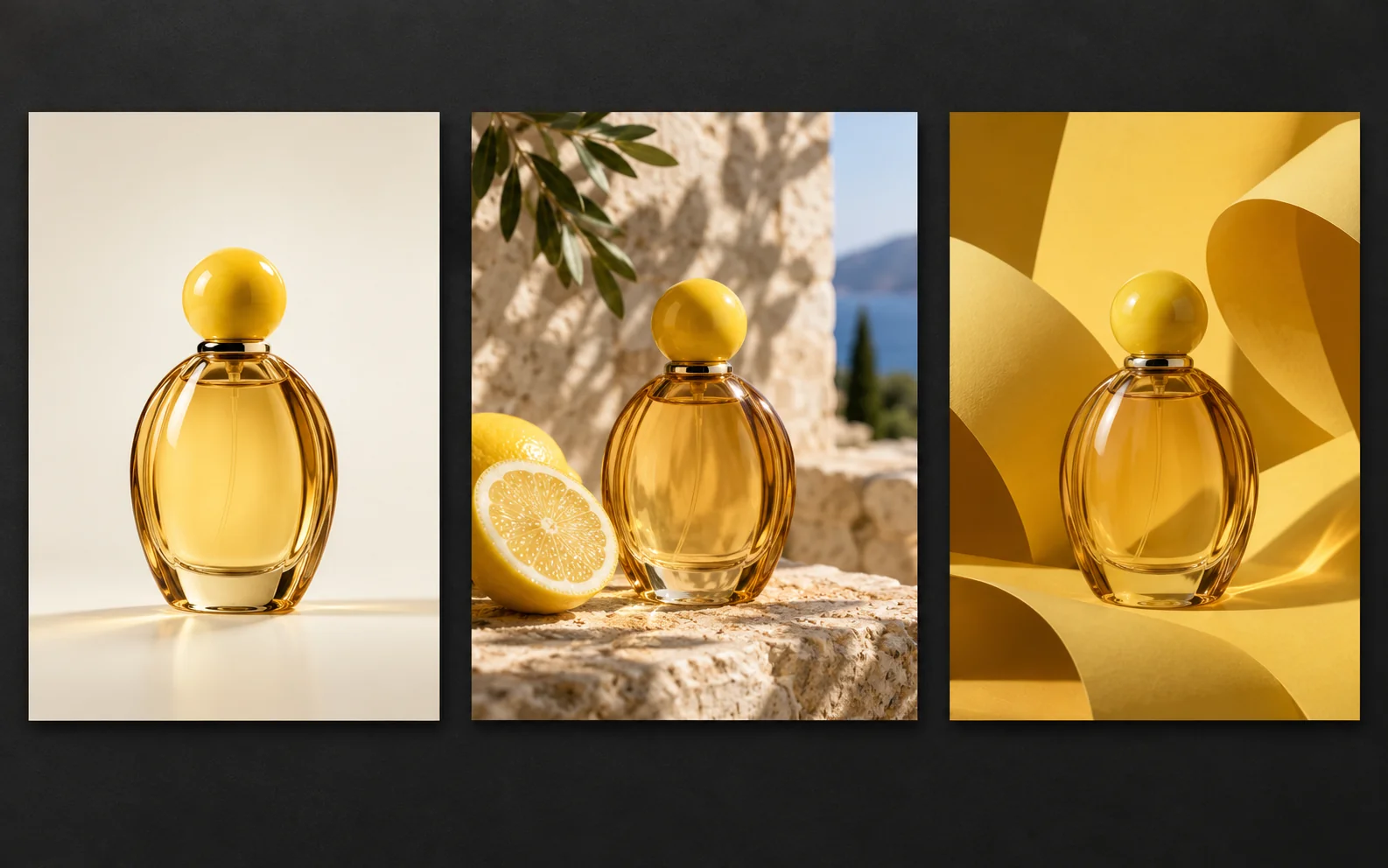
The amber bottle appears in a clean studio, beside a lemon outdoors, and against a sculptural yellow backdrop. Use these compositions to plan which setting suits a listing, seasonal campaign, or social post.
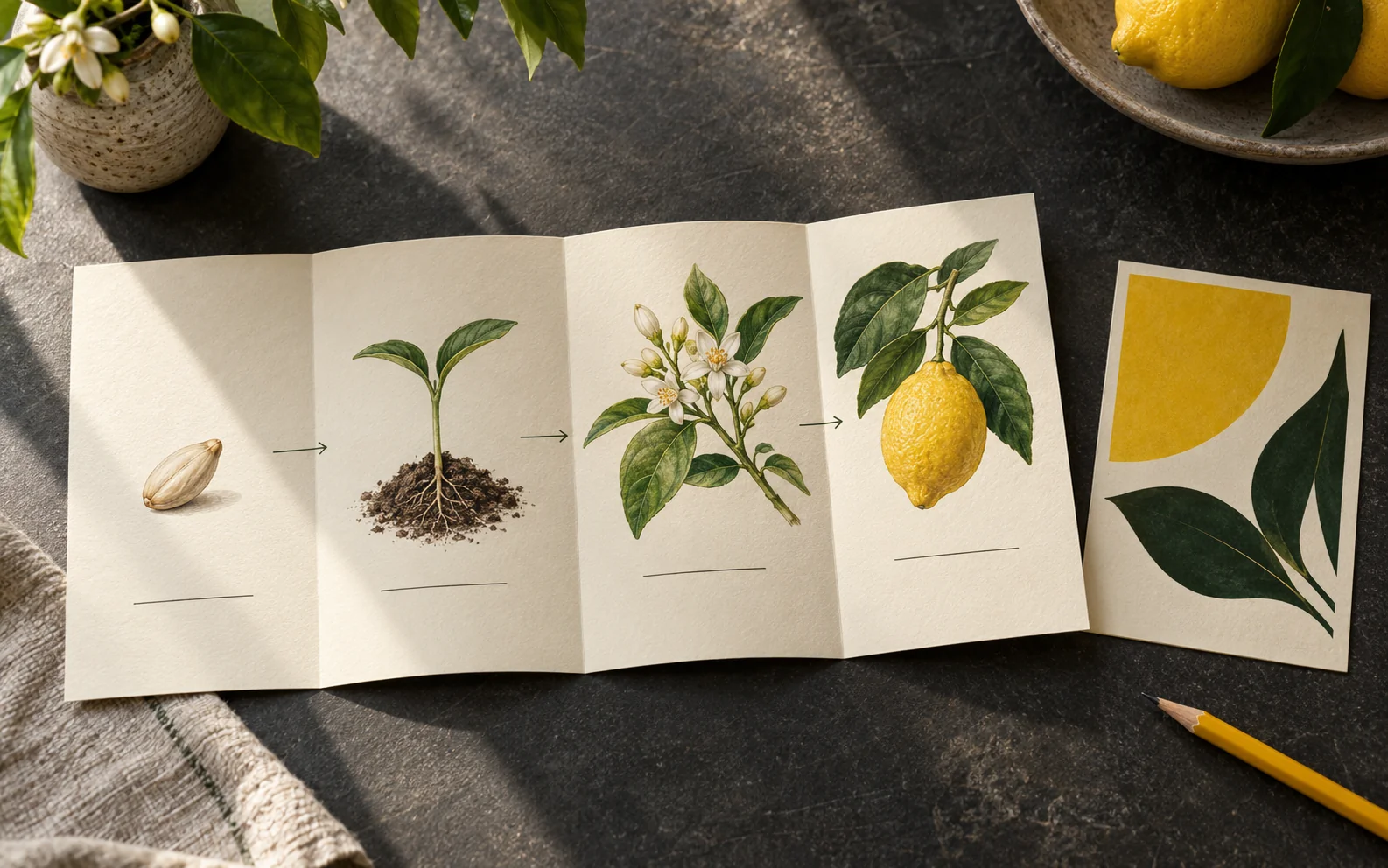
The lemon growth diagram suggests a way to organize an educational post. Plan the stages and where your own labels will go, then check the illustrated information before using it in your content.
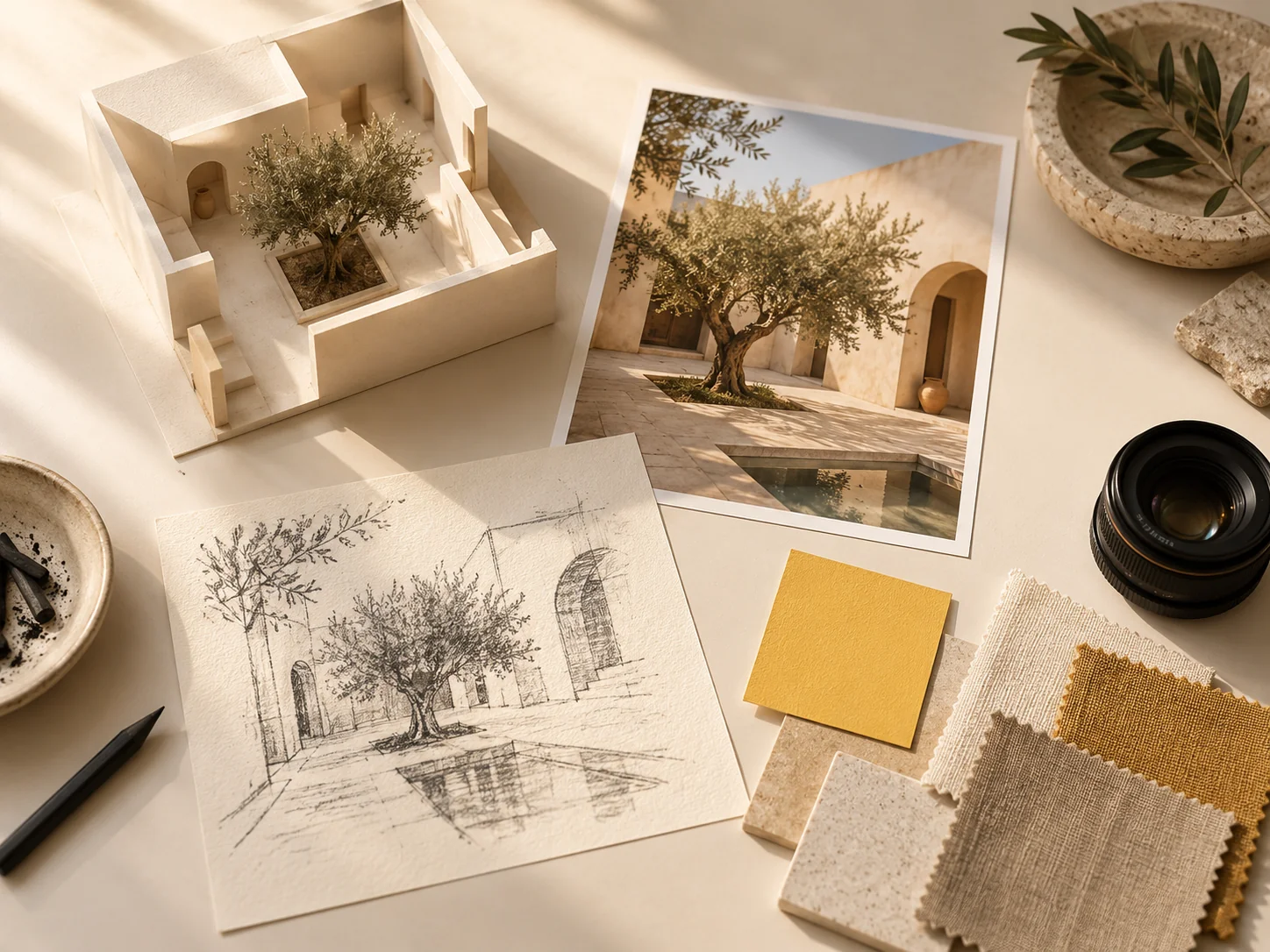
The courtyard model, photograph, sketch, and swatches show different ways to express a design brief. Decide what each reference contributes before exploring the composition for a presentation.
Prepare, generate, review
Use the AI image generator with a clear destination in mind, then judge the result at the size and crop your project needs.
01
Name the placement, such as a product card, campaign banner, or article cover. Add the subject, background, and any space needed for surrounding copy.
02
Select an image model and a supported input mode. Add references where available, explain their role, and choose from the aspect ratio and resolution options shown.
03
Check the displayed credits and your account balance before submitting. Sign in to generate and follow the task in your creation history.
04
Check product shape, edges, text, and the intended crop. Reuse the inputs for another version and describe the specific change you want.
Before your next image task
Make informed choices about source materials, layouts, revisions, and the cost of trying another direction.
Provide a clear source photo in a mode that accepts image references, then identify the shape, colors, and packaging that matter. Compare the output with the real product; check labels, proportions, and accessories before using it in a listing.
For a layout that needs exact wording, reserve space in the prompt and add the copy in your design tool. If you request text within the image, proofread the spelling and check its readability at the final display size.
Keep the subject and visual brief, then choose an available aspect ratio for each placement. Describe where the focal point and empty space should be. Review each composition separately instead of assuming a crop will fit both.
Identify the specific mismatch, such as a distracting background or the wrong product angle. Reuse the inputs in the workspace, check any restored references, and revise that instruction before submitting a new task.
Check the credit estimate for the selected model and settings before each submission. Use the pricing page to compare plans and credit packs; previewing a result and downloading it may have different account requirements.
Create with Nano Banana 3 Pro
Bring a product, a layout idea, or a story to the AI image generator. Describe the intended use, choose your inputs, and review the task cost before generating.