
Interior proposals
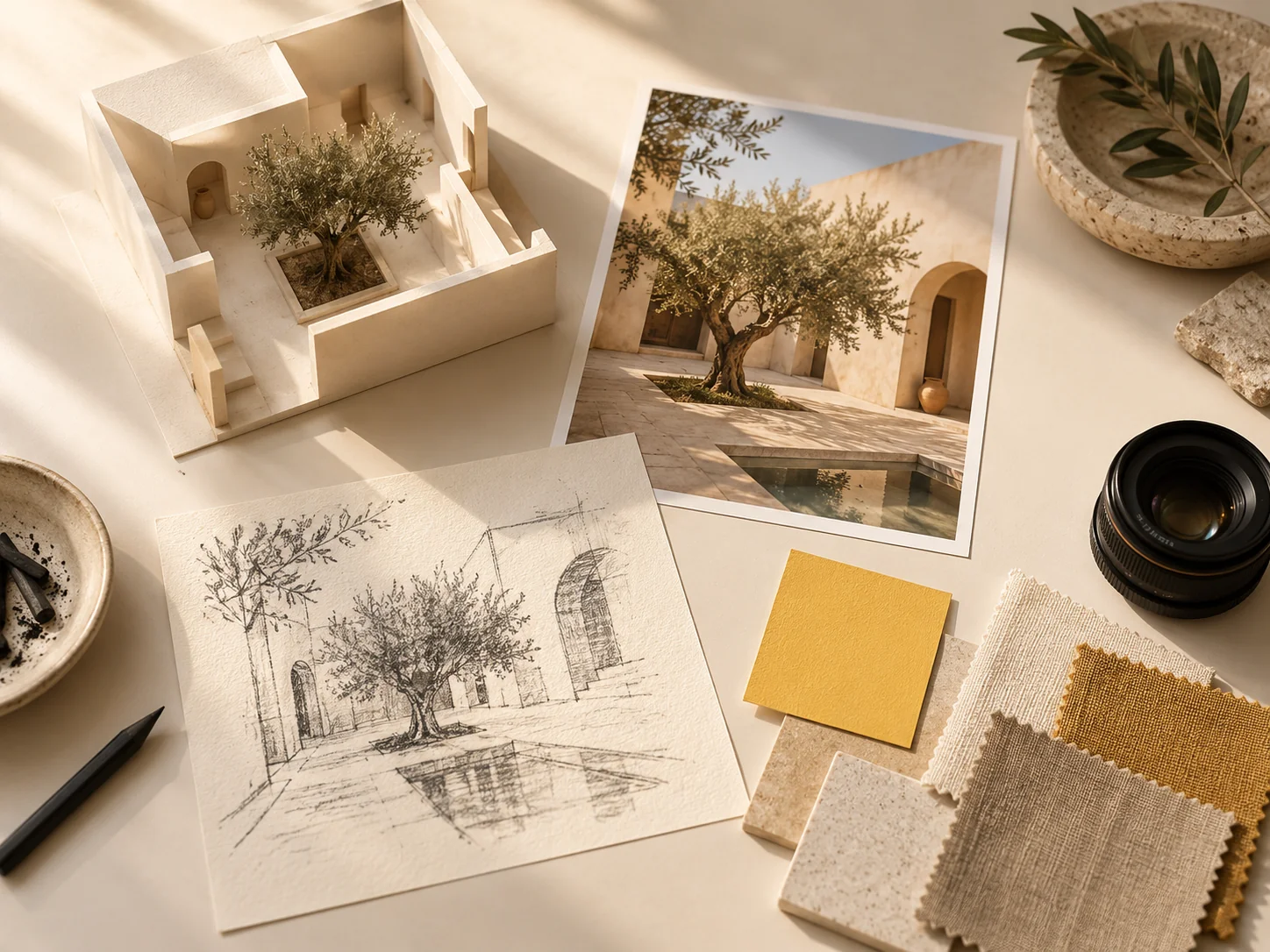
Compare a reading corner in pale oak, painted timber, or terracotta. Use Nano Banana 3 Pro to explore the feeling of a space before choosing a direction.
Sign in to claim 100 starter credits and begin creating
Choose the job for your image
Give Nano Banana 3 Pro a purpose before choosing a style. The strongest starting point is what your audience should notice, understand, or remember.
Give a new product a setting that tells its story.
Make a process easier to follow with pictures.
See familiar people, places, and objects differently.
Capabilities for a complete creative brief
Turn a written idea into an image, reshape a photo, or combine the references on your desk. Build product campaigns, illustrated explanations, and design concepts around the details that matter.
Turn a description into a photographic scene, an illustration, or a design concept. Explore the subject, setting, and style of an idea before you have a photograph to start from.
Change a background, replace an object, or adjust a color with Nano Banana 3 Pro. Direct revisions toward a chosen detail to develop an existing image around a new creative need.
Combine subject, setting, and style references in one composition. Carry recognizable product shapes or character features into related scenes, giving a campaign or story a shared visual identity.
Create posters, invitations, and illustrated labels with text in the image. Nano Banana 3 Pro helps explore Chinese and English versions with a visual direction suited to each audience.
Shape the mood with side light, soft shadows, depth of field, and material textures. Explore how glass, fabric, or stone looks in product photography and interior concepts.
Rearrange a scene for a portrait poster, square post, or wide banner. Adjust subject placement and background space so each format has room for its focal point and message.
Two briefs to explore
Think beyond an isolated picture. A campaign needs related images with different roles; an explanation needs a sequence that readers can follow. These visual concepts offer a starting point for both.
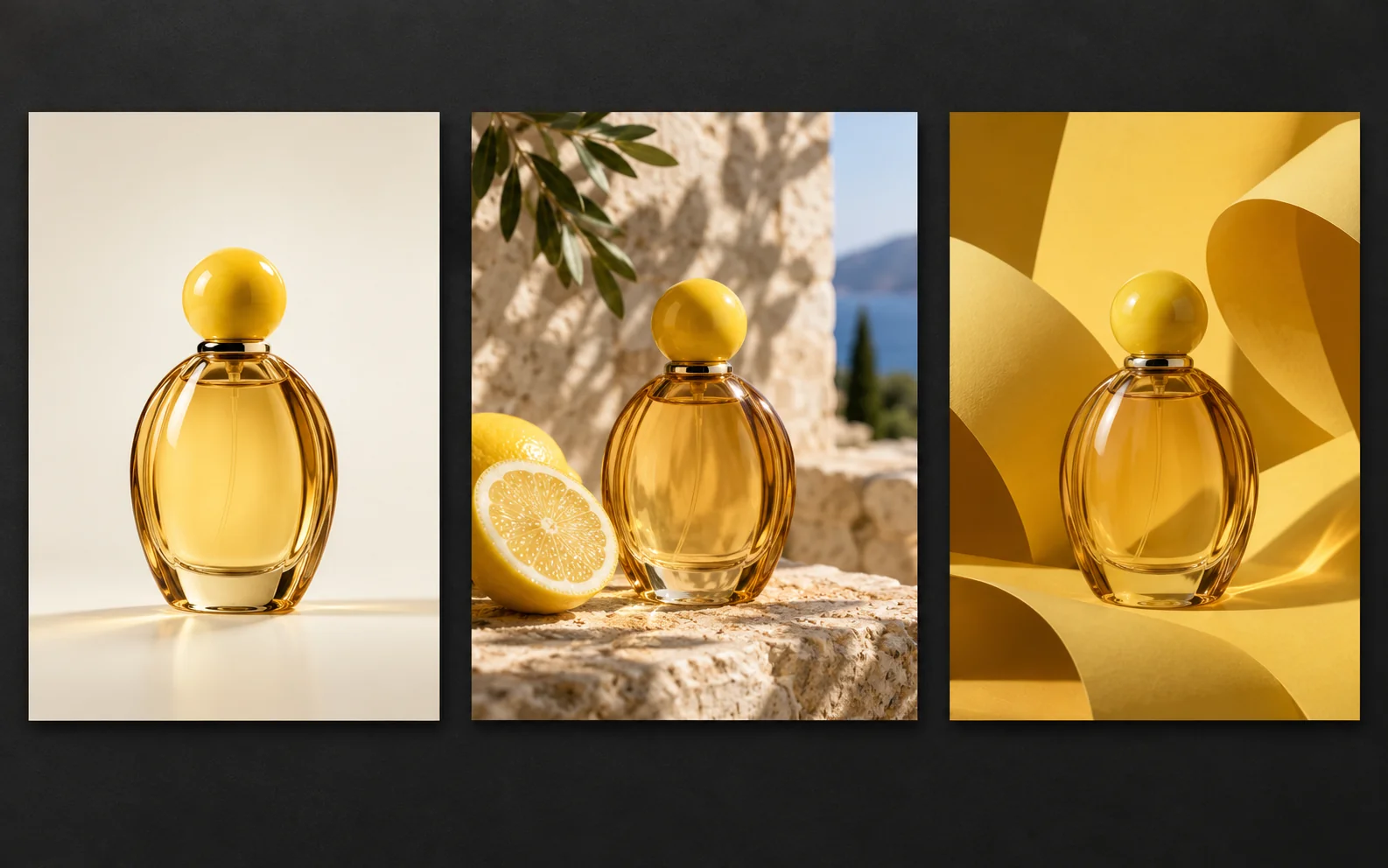
Plan a clean product portrait, an atmospheric launch poster, and a lifestyle scene around the same amber citrus bottle. In Nano Banana 3 Pro, describe the bottle silhouette, cap, and glass color once, then vary the light and surroundings. Give each image a destination: a product page, a social post, or a campaign cover.
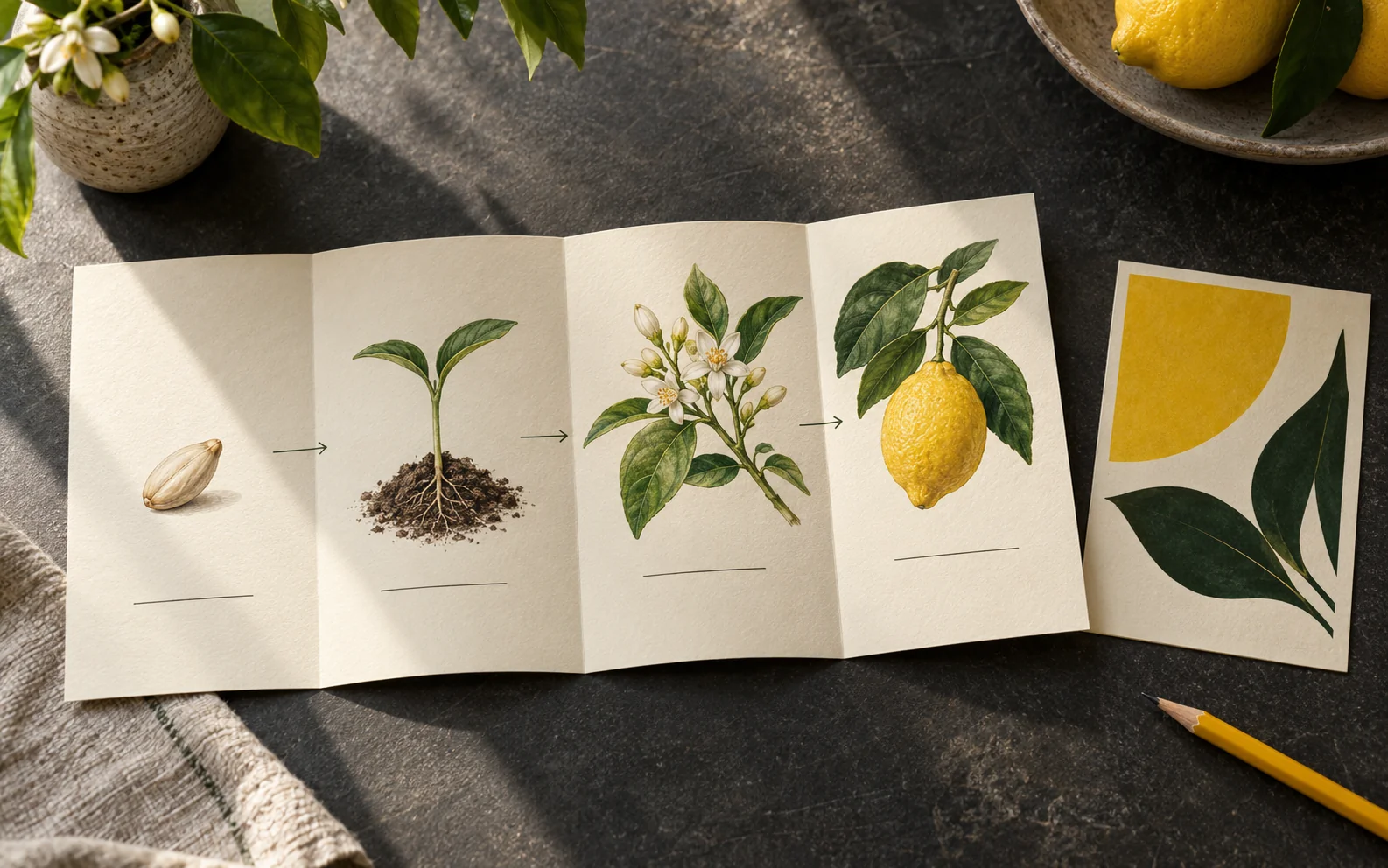
A lemon tree can become a step-by-step growth diagram or the starting point for an abstract poster. Use Nano Banana 3 Pro to explore both forms: supply the verified stages and labels for the diagram, then simplify the shapes and colors for the poster. One subject can support teaching and visual storytelling.
Try a small campaign first
Start with a manageable brief in Nano Banana 3 Pro. A single product and a few deliberate variations make it easier to see which creative choices belong together.
Upload a clear product reference. Ask for a simple setting with one light source and enough space around the subject to judge its shape.
Decide which image needs a close view and which needs room for a headline. Give Nano Banana 3 Pro a separate composition brief for each placement.
Try citrus shadows, a stone surface, or a warm interior. Compare versions that differ in one main decision so you can identify what works.
Place the preferred images side by side. Check their color relationships and product details, then save the set that tells a coherent story.
More reasons to make an image
Bring a real question from your project. A visual can help you choose a direction, pitch an idea, or invite someone into a story.
Compare a reading corner in pale oak, painted timber, or terracotta. Use Nano Banana 3 Pro to explore the feeling of a space before choosing a direction.
Turn an article's central idea into a visual metaphor. Try a bold silhouette, a quiet still life, or an illustrated scene with room for the title.
Explore how a color palette and graphic motif might look on a box or bottle. Treat the image as a concept to discuss with your designer.
Introduce a recurring character, then plan an arrival, a discovery, and a reaction. Carry defining clothing and features through your Nano Banana 3 Pro briefs.
Give a portrait a painted treatment, try another outfit, or move a pet into an imagined setting. Specify the familiar details you want to keep.
Match the mood of a workshop, dinner, or exhibition with an illustrated invitation. Set the main message first and leave practical details easy to read.
Practical answers for your next session
A few choices about references, wording, and revision can make your next session more focused.
Start with text when you are still exploring the subject and style. Add a photo when a particular object, face, or layout matters. For Nano Banana 3 Pro product briefs, choose an unobstructed view; heavy reflections and tight crops make important details harder to describe.
Number your references in the prompt and assign each one a single job: the bottle, the palette, the setting. If two images disagree about lighting or perspective, choose which one takes priority. Remove references that add no necessary information.
Return to the preferred source image instead of building on the unwanted change. Request one correction and name its location: change the wall behind the bottle, keeping the bottle and foreground. In Nano Banana 3 Pro, a narrow revision is easier to assess than a complete restyling.
Write the approved wording for each language separately and put it in quotation marks. Specify line breaks and hierarchy. For dense small print, generate the artwork with empty text space and add the final wording in a layout editor. Check each language at the intended display size.
Crop when the subject and message still fit comfortably. Recompose when a vertical design becomes cramped in a wide banner. Ask for additional background space on the required side, and keep faces, labels, and important text away from the edges.
Write the steps as plain text first. Limit each panel to one action and use the same viewpoint for comparisons. Give arrows an explicit direction, separate causes from outcomes, and check the finished labels against your source notes.
Yes. You can prepare a prompt before signing in, then sign in to generate and save your work. The starter offer provides 100 credits. Before submitting, review the selected model, settings, and credit charge; use the pricing page to compare plans.
Decide what would make the next image more useful before generating again. Fix the composition first, then refine lighting or detail. Keep the strongest reference and a short list of changes. This gives each Nano Banana 3 Pro request a specific purpose.
Choose a Nano Banana 3 Pro plan around your project schedule: a subscription for recurring creative work, or a credit pack for a defined set of images and video tasks.
Cancel anytime
Bring one idea you want to see
A product to introduce, a process to explain, a scene to imagine. Choose one and give it a first image today.